
Service / 03
Technical Drawings for Manufacturing
A good 3D model still needs clear communication on the workshop floor or with a supplier. Innovicad creates structured 2D technical drawings with the views, dimensions and sections needed to explain the geometry efficiently.
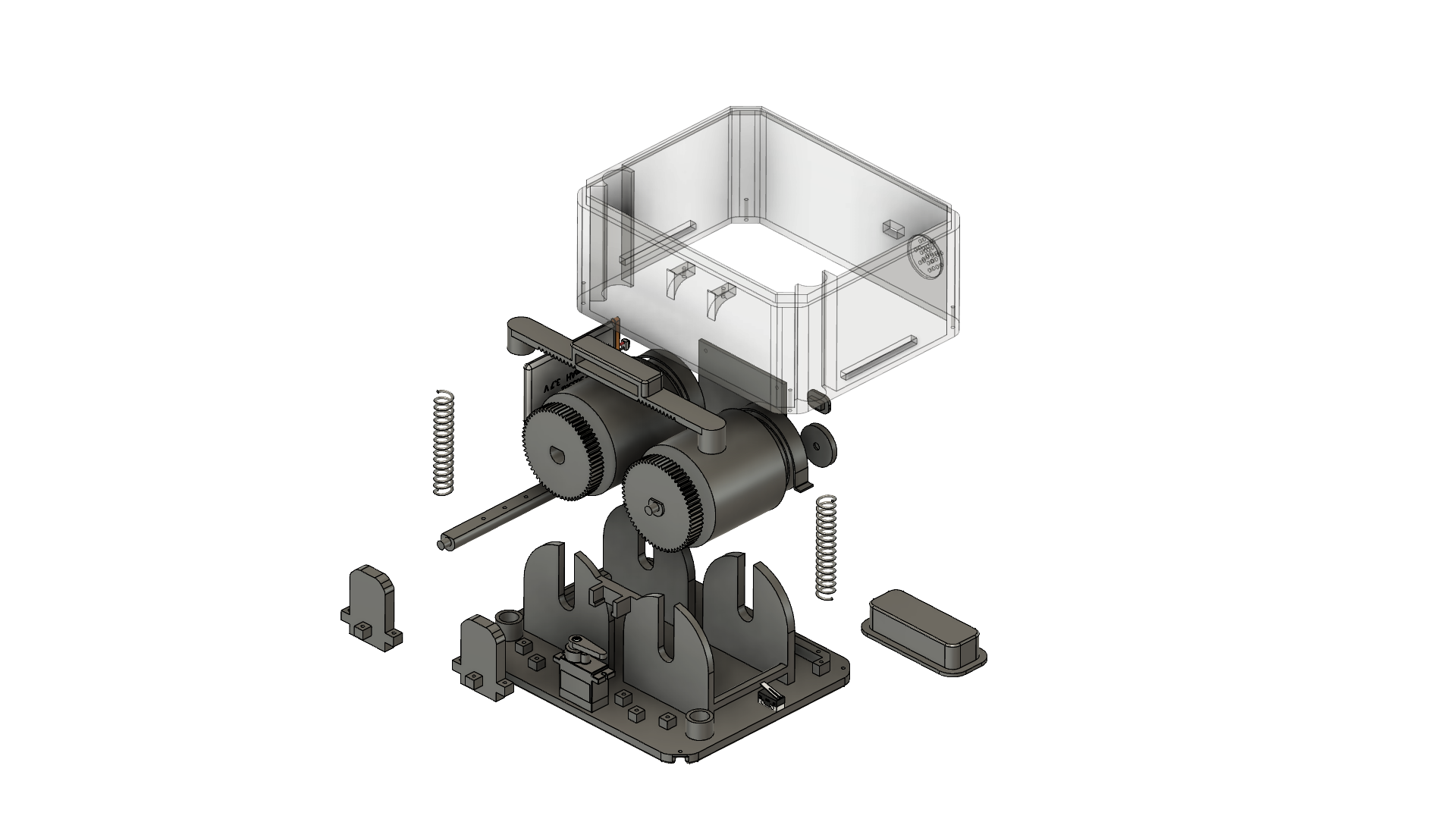
What you can send
- 3D CAD model or neutral STEP file
- Drawing standards or supplier preferences if available
- Critical dimensions and tolerances
- Manufacturing or inspection requirements
What you receive
- Dimensioned PDF drawings
- Orthographic and detail views
- Section views where useful
- Clear manufacturing documentation
Good fit for
- Supplier handoff
- Machined or fabricated components
- Assembly documentation
- Inspection and dimensional communication
Typical workflow
A direct path from input to deliverable.
Review geometry
Identify the features, interfaces and manufacturing information that need to be communicated.
Plan the views
Choose the clearest orthographic, detail and section views for the component.
Dimension clearly
Add the dimensions and notes that are relevant to making or checking the part.
Issue the drawing
Prepare a clean PDF drawing package for review or manufacturing.
Common questions
Questions people often ask about technical drawings.
Can you make a technical drawing from my 3D CAD model?+
Yes. Innovicad can create dimensioned 2D drawings from suitable 3D CAD or STEP geometry.
What can be included in a manufacturing drawing?+
Typical drawings can include orthographic views, dimensions, detail views, sections and project-specific notes or tolerances where they are defined.
Can you prepare drawings for a supplier or machine shop?+
Yes. Drawings can be structured to communicate the geometry clearly for supplier review, fabrication, machining or inspection.
What file format do I receive?+
PDF is a common drawing deliverable, with additional source or export formats agreed when needed.
Explore other services