
Service / 02
CAD File Modification, Repair & Redesign
Existing CAD is often close to what you need but not quite production-ready. Innovicad can update dimensions, repair problematic geometry, rebuild difficult files and redesign features without forcing you to start the project from zero.
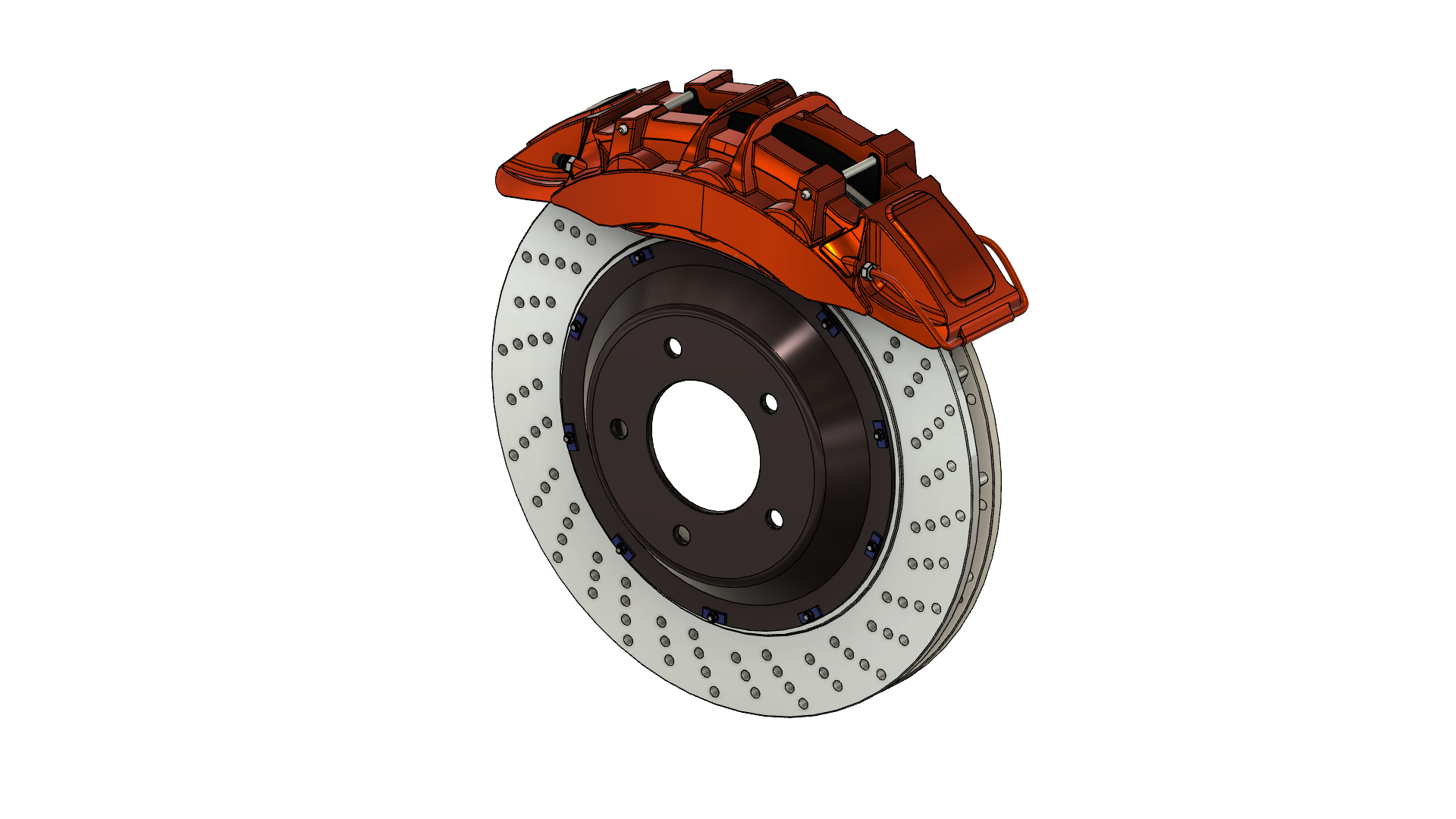
What you can send
- STEP / STP files
- STL meshes
- Existing CAD exports
- A clear list of required changes
What you receive
- Updated STEP geometry
- Repaired or cleaned STL files
- Rebuilt CAD where direct editing is impractical
- Revised geometry ready for downstream work
Good fit for
- Changing dimensions or interfaces
- Repairing files received from another source
- Adapting an existing part to a new application
- Rebuilding geometry that is difficult to edit
Typical workflow
A direct path from input to deliverable.
Inspect the file
Assess the geometry, file quality and which areas can be edited directly.
Define changes
Confirm the dimensional, functional or interface changes that are required.
Modify or rebuild
Edit the existing model or reconstruct the necessary geometry cleanly.
Validate exports
Prepare the revised files in the agreed formats for continued use.
Common questions
Questions people often ask about cad file modification.
Can you modify an existing STEP file?+
Yes. Existing STEP / STP geometry can be reviewed and modified where the file structure and required changes allow it.
Can you repair or clean an STL file?+
Yes. STL meshes can be assessed for repair, cleanup or rebuilding depending on the quality of the original geometry.
Can you change dimensions or add new features to an existing model?+
Yes. Dimensional changes, interface changes and new features can be incorporated into the revised CAD.
What if the original CAD file is difficult to edit?+
When direct editing is impractical, the required geometry can be rebuilt into a cleaner model rather than forcing changes into a poor source file.
Explore other services